My ENT Occitanie represents much more than just an online platform. It is the digital backbone of education in the Occitanie region, a centralized space where all members of the educational community converge: students, parents, teachers, and administrative staff. By consolidating fragmented services into a single intuitive portal, this platform transforms the way schools operate daily. The goal? To promote autonomous learning, strengthen the ties between school and families, and modernize administrative practices that until now required time-consuming paper management.
Sommaire
What exactly is My ENT Occitanie?
At the heart of the Occitan educational system, My ENT Occitanie (Digital Work Environment) is a secure and personalized web portal. Specifically, it is a platform developed in collaboration between local authorities, the Montpellier and Toulouse academies, and schools. Since the start of the 2019 school year, this digital service has been gradually rolled out in all public middle and high schools in the region, with the notable exception of schools in the Haute-Garonne department, which use eCollège31.

The guiding idea? To create territorial digital coherence. Before its arrival, schools operated with disparate tools: fragmented messaging, paper planners, in-person grade consultations, and cumbersome parent-school communications. My ENT Occitanie consolidates all of this. Parents no longer need three different applications. Students find all their homework in one place. Teachers save administrative time to focus on what matters most: teaching.
The acronym ENT, which many do not know the meaning of, simply refers to Digital Work Environment. The term remains vague for those who do not use it daily, but it precisely designates this unifying portal. Each user accesses it via a username and password provided by their institution, with an interface adapted to their profile: student, parent, teacher, or administrative staff. What changes everything is this immediate personalization. A student only sees their courses, homework, and grades. A parent accesses only information concerning their children. A teacher finds their classes, resources, and tracking tools.
Key features that transform education
Navigating My ENT Occitanie may seem disorienting at first, given the dense range of services. Yet, once decoded, these features reveal their impeccable logic. Here is what truly propels this platform beyond a simple administrative tool.
Integrated messaging and communication
The internal messaging system is one of the major innovations of My ENT Occitanie. Gone are the days of fragmented exchanges via personal email, improvised SMS, or handwritten notes slipped into backpacks. Here, everything converges in a single secure space. Teachers send group messages to parents without the distribution list getting lost. A parent contacts a teacher with certainty that the message is received, without going through the school’s main switchboard. Students can ask their teachers questions outside class hours, thus fostering asynchronous learning.
The system also prevents malicious intrusions. Unlike public messaging services, this one rejects external addresses. No phishing, no manipulation attempts: you communicate only with authenticated members of your local educational community. This voluntary enclosure gains security at the expense of flexibility. Forums and chats complement this collaborative dimension, allowing group discussions on educational projects or matters of collective interest.
Digital notebook and homework tracking
The digital notebook embodies the transition from the analog world to digital in education. In the past, teachers wrote the course content and homework by hand in a large book. Students had to memorize or copy, exposed to inevitable forgetfulness. Today, each teacher would document the progress of their course, the resources distributed, and the expected assignments. Students can consult this information at any time, 24 hours a day, from any device.
For parents, it is a transparent window into their children’s schooling. Rather than waiting for the quarterly meeting or questioning the student (who often forgets details), they see exactly which homework is expected this week, which chapters are covered, which educational resources complement the lessons. This traceability reduces excuses (“the teacher didn’t tell us”) and strengthens family involvement in academic follow-up.
Report cards and academic tracking
Report cards and progress information arrive instantly. Rather than waiting until the end of the term to receive a paper, parents and students consult grades as they are entered by teachers. Some schools still print paper report cards, but the digital version always arrives first. This immediacy creates a faster feedback loop: if a student notices they are lagging in math, they can act immediately rather than waiting three months.
My ENT Occitanie also displays absences, tardiness, and sometimes qualitative comments on behavior or engagement. Parents no longer need to call the school to find out if their child skipped class. The information is there, accessible, indisputable.
Educational resources and digital content
Access to educational resources is a pillar often underestimated. My ENT Occitanie offers a centralized digital library where teachers upload materials: digital textbooks, educational videos, summary sheets, interactive exercises, links to reliable educational websites. For students, it is a revolutionary ally for autonomous learning. A student behind on a concept can watch an explanatory video, do exercises to check understanding, all while having resources curated by their teacher.
This centralization also reduces educational piracy. No need to search the web for dubious quality resources, fearing they may not serve the course objectives. The institution offers content aligned with national curricula, pedagogically validated.
Agenda and personal organization
The digital agenda integrated into My ENT Occitanie synchronizes schedules, exams, parent meetings, and school events. Students no longer risk “not seeing” that a test is approaching. Parents check school meeting dates directly. Teachers quickly view their classrooms and schedules without confusion. This centralization reduces the rate of disorganization and strengthens collective planning.
Storage space and document sharing
Each user has a storage space to keep their files: presentations, submitted work, important documents. This feature goes beyond simple archiving. It enables real collaborative work: students share their group projects directly via the ENT, without going through external cloud services that may be less secure.
Advantages According to User Profile
For Students: Increased Responsibility and Autonomy
My ENT Occitanie places students at the center of a new educational dynamic. Rather than being passive receivers of information, they become responsible for their engagement. By accessing their homework, their planner, their grades, and their resources, they become aware of their progress. This is why this change matters: personal responsibility produces greater engagement than external control.
The autonomy gained is not trivial. A student who can review a missed lesson at 9 p.m. benefits from unprecedented educational flexibility. The gap between classroom teaching and home consolidation is reduced. This is particularly important for struggling students: rather than being stuck for a week on an unclear concept, they immediately access additional resources.
The social dimension does not disappear. The forums and collaborative spaces of My ENT Occitanie allow students to form support groups supervised by teachers. Rather than searching chaotically on the Internet, they ask moderated questions in a legitimate space.
For Parents: Involvement and Transparency
For the first time on a large scale in French public education, parents obtain almost real-time visibility into their children’s schooling. No more opacity: “Dad, the teacher didn’t explain it to us, it’s impossible.” Parents consult the planner. No more forgotten homework: the agenda clearly displays it. No more anxiety about results: grades arrive immediately.
This transparency strengthens collaboration. A parent who notices a decline in certain subjects can quickly alert the teacher, who can suggest solutions. The dialogue becomes concrete, based on data, rather than vague and generalized (“He’s doing worse at school”).
Psychologically, this sense of control reassures parents. It creates increased trust towards the school and facilitates discussions at home. A teenager can no longer claim that everything is fine if the ENT shows a failing grade and an accumulation of homework. The tool thus fosters a parent-child partnership in school management, sometimes even creating positive pressure.
For Teachers: Administrative and Pedagogical Efficiency
Teachers benefit from a drastic reduction in administrative work. Rather than distributing roadmaps, calling parents individually, or keeping manual notebooks, they centralize everything on My ENT Occitanie. The time saved — several hours per week — is redirected towards creating educational content, supporting struggling students, or simply improving teaching quality.
The integrated messaging eliminates off-channel requests. A parent can of course try to contact the teacher by SMS or direct call, but the ENT offers an official, traceable, and professional channel. This creates healthy boundaries between professional and private life.
On the pedagogical level, access to enriched digital resources allows teachers to integrate interactive tools: online quizzes, explanatory videos, virtual simulations. Learning gains variety, which promotes student engagement, especially among “digital natives” for whom a traditional lesson may seem outdated.
Security and Data Protection: GDPR Compliance
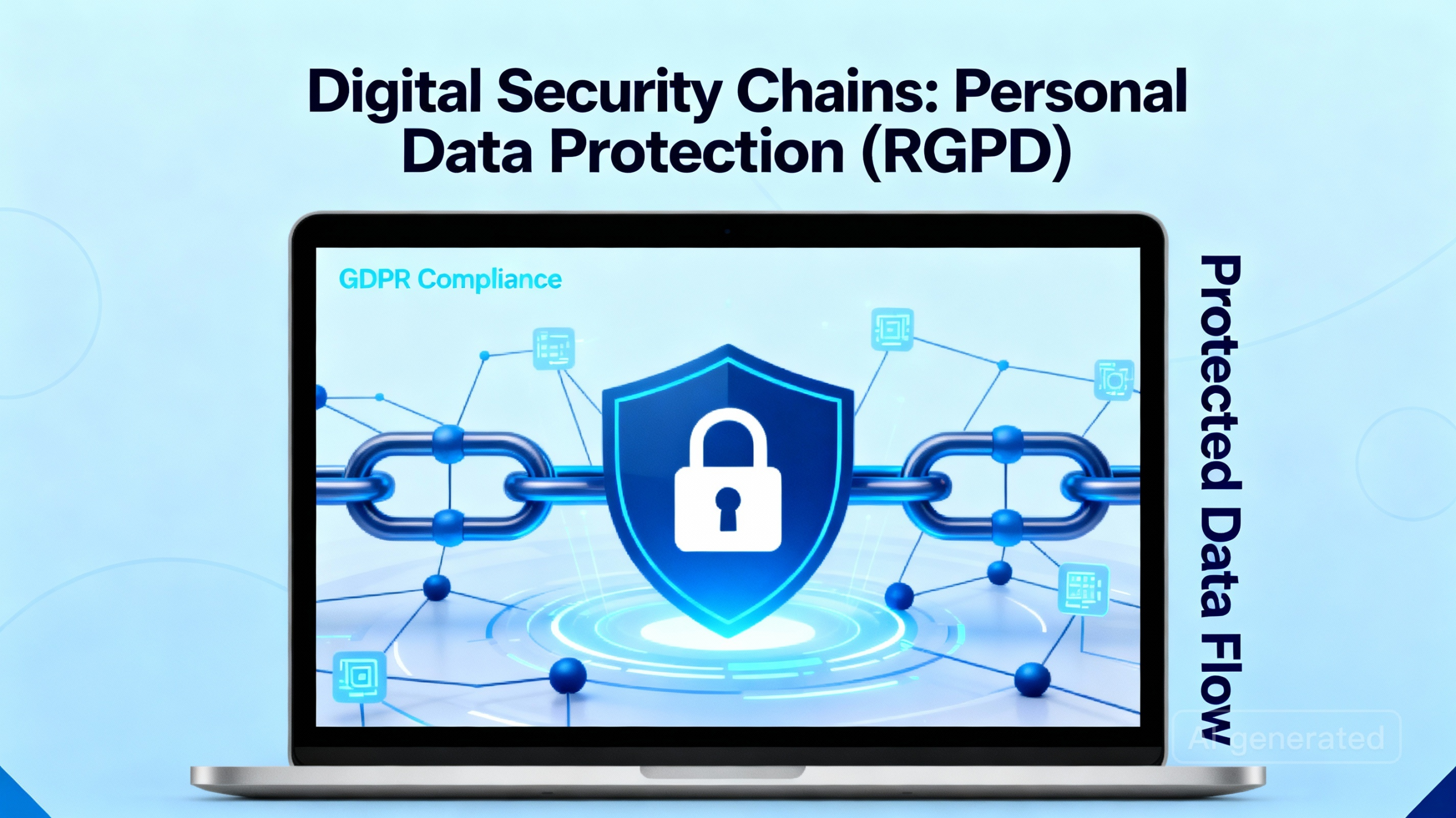
Data security and confidentiality are not marketing matters. They constitute an absolute legal requirement. My ENT Occitanie operates within the framework of the General Data Protection Regulation (GDPR), a European legislative text that came into effect in 2018 and applies to all processing of personal data.
GDPR Compliance and Shared Responsibilities
The management of personal data involves several responsible parties: the head of the institution (for educational data), academic authorities (for identities and updates), and the Occitanie Region (for the technical implementation of the platform). This distribution of responsibilities exists for a reason: to create control mechanisms and avoid a dangerous concentration of power over the data.
The processed data includes name, first name, date of birth, address, phone numbers, email address, academic information (grades, absences, comments), and connection logs. Each is subject to strict rules.
Purposes and Legal Bases
My ENT Occitanie processes this data only for the purposes stated in its privacy policy: providing educational services, facilitating communication, managing the administrative life of the institution, ensuring security. The data is never sold to third parties, never transferred to non-European countries, never used to feed commercial profiling algorithms.
The legal basis relies on the execution of a public interest mission: education is a public good, and the platform supports it. No consent is required (although confidentiality is mandatory): legitimacy comes from the public role of education.
Retention Period and Right of Access
General personal data is retained for the duration of the school year or school cycle. Beyond that, it is deleted or anonymized. Access logs (logs, IP addresses) are kept for a maximum of 12 months, in accordance with IT security standards.
Each user has a right of access: they can request to see all personal data stored about them. They also have a right to rectification (to correct inaccurate information) and a right to object for specific uses. These rights can be exercised with the data controller via the forms available on the My ENT Occitanie website.
Technical Security Measures
Beyond the legal framework, concrete measures protect the data. My ENT Occitanie uses SSL/TLS encryption to secure transmissions between the user’s device and the servers. Data at rest is also encrypted. Access is controlled by multi-factor authentication: username, password, and sometimes SMS code or OTP (One-Time Password) application.
A Data Protection Impact Assessment (DPIA) has been conducted to identify and mitigate risks. Regular security audits test the robustness of the systems. A usage charter, which each user accepts upon first connection, specifies the respective responsibilities: the institution protects the servers, the user protects their username and password.
Login and Access to My ENT Occitanie
First login and account initialization
Accessing Mon ENT Occitanie starts with a simple step: going to the official portal (https://www.mon-ent-occitanie.fr) or via your institution’s website. At the first login, the institution provides a unique identifier (often a number) and a temporary password. The interface requires you to change this password immediately for security reasons.
The user must then accept the usage charter. This step is not a mere formality: it commits the user to respect confidentiality rules, not to share their identifier, to respect copyright, and to use the platform within a legitimate educational framework. An attempt at harassment via messaging, for example, would violate this charter and could lead to suspension or expulsion.
EduConnect Credentials
To simplify access management, Mon ENT Occitanie integrates with EduConnect, the national authentication portal of the Ministry of Education. Rather than maintaining separate credentials for each platform (ENT, Pronote, educational resources), EduConnect unifies access. A student logs in once via EduConnect, then accesses all services without re-entering credentials.
This centralization improves user experience and enhances security: one strong password stored in a certified system is safer than ten scattered passwords.
Managing connection issues
Despite a robust infrastructure, problems can occur. The most common error: forgotten password. Mon ENT Occitanie offers a “Forgot Password” function that sends a reset link to the registered email address. This link expires after 30 minutes for security reasons (to prevent account theft). Other issues may arise:
- Error 404 or blank page: clearing the browser cache often resolves the issue. Browsers store outdated versions of pages to speed up loading; during an update, these cached versions create conflicts.
- Slow connection or timeout: test your Internet connection. Close bandwidth-consuming applications. If the problem persists, contact your institution’s technical support.
- Account locked after multiple attempts: an automatic security locks the account after 5-10 failed login attempts. Waiting 30 minutes unlocks the account. Otherwise, contact the head of the institution or ENT support.
- Caps Lock unintentionally activated: this is common but frequent. Check the status of the Caps Lock key.
Firefox and Chrome offer the best support for Mon ENT Occitanie. Safari and Edge are compatible but may encounter issues with certain features. Internet Explorer is no longer supported and may cause display blocks.
The Skolengo mobile app: a portable extension
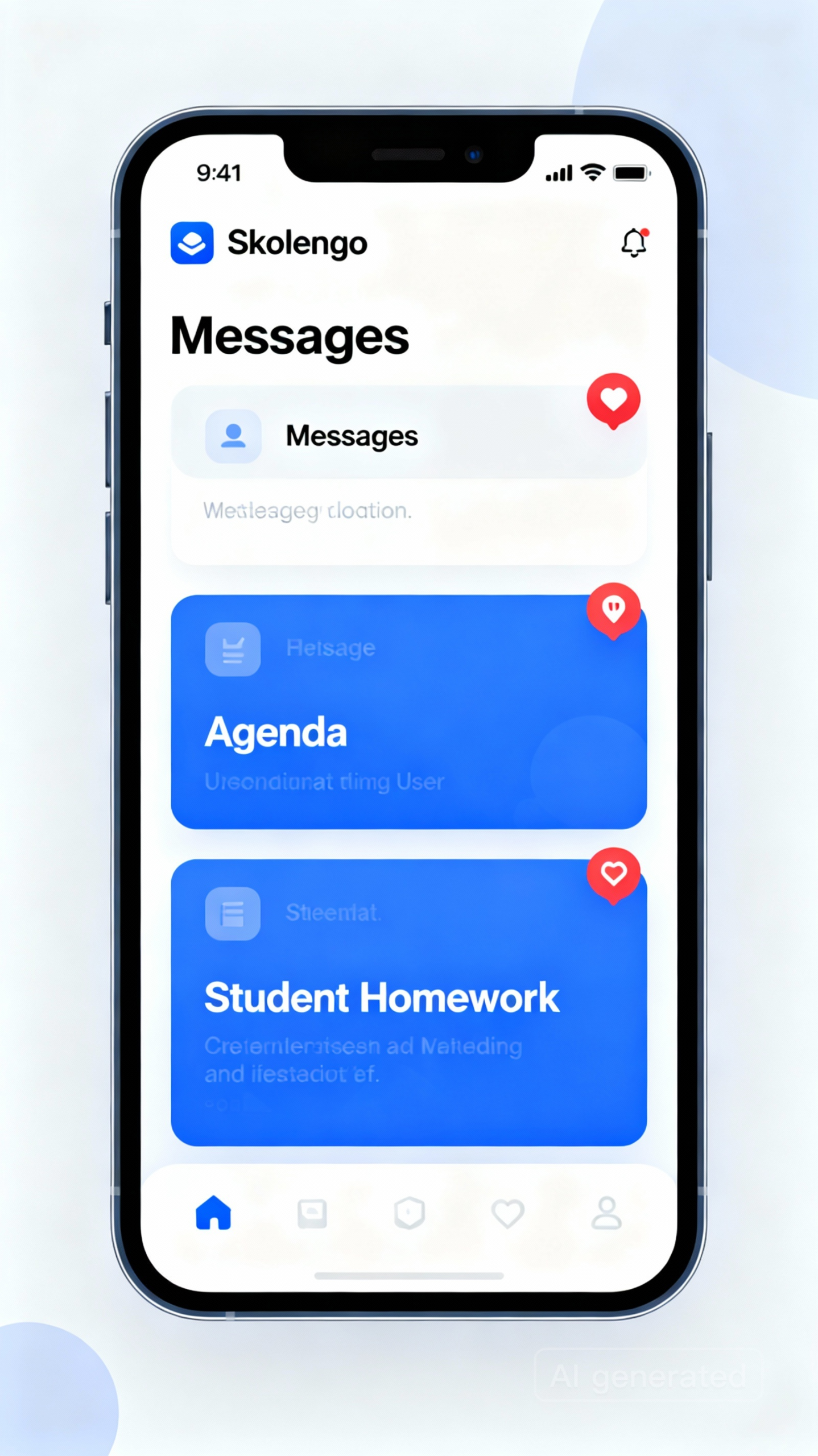
Waiting to be home in front of a computer to check homework or messages? In 2025, that constraint is a thing of the past. Skolengo, the official mobile app of Mon ENT Occitanie, unlocks full mobile access to the platform.
Essential mobile features
Skolengo does not mechanically reproduce the web interface on a small screen. It reinvents the experience for mobile devices. Students quickly check their schedule, their homework, their latest grades. The messaging works completely: read, reply, send secure messages. Push notifications alert the user in case of a new message or published evaluation.
For teachers, Skolengo includes advanced features: taking attendance directly from the smartphone during class (if the institution uses the “Vie Scolaire” module), consulting the lesson plan, accessing evaluation tools in real time.
This immediacy transforms engagement. A student receives a notification: “You have a new homework for tomorrow.” They immediately check it via their phone, without forgetting, without excuse. A parent sees their child’s grade at 2 p.m. on the day of the test, rather than a week later.
Installation and synchronization
Downloading Skolengo takes three clicks. The app is available on the App Store (iOS) and Google Play (Android). Once downloaded, the user logs in with their ENT credentials (EduConnect). On first successful use, the app automatically synchronizes data: timetable, homework, messages. Updates occur in the background; the app therefore remains always up to date without user effort.
Important: in case of inactivity exceeding 14 days, Skolengo requires a reconnection via the web ENT for security reasons. This prevents unauthorized access in case of a stolen or loaned phone.
Intentional limitations
Skolengo is not a complete replacement for the web. Some complex features (advanced resource management, room booking, settings modification) remain available only via the web version. This deliberate limitation maintains a tool hierarchy: the phone is used for quick consultations and communications, the computer for in-depth tasks.
Integration with Pronote and other services
My ENT Occitanie does not operate in isolation. The platform integrates with Pronote, the grade and absence management system used by many French institutions. Rather than duplication, My ENT Occitanie offers a unified window on Pronote data: grades, absences, lesson plan. Some institutions use the “light” version (display of Pronote data) while others integrate Pronote directly as an ENT module.
This integration simplifies the user experience. Parents do not have to learn two systems: the ENT centralizes access to Pronote and other services. The institution does not manage two separate databases, reducing inconsistencies and bugs.
The Resource Access Manager (GAR) represents another key integration. The GAR centralizes access to digital resources (interactive textbooks, educational content) at the national level. My ENT Occitanie connects to it to offer users the resources their institution is entitled to, without complex handling.
User guide: step-by-step onboarding
First step: successful authentication
Once logged in, the user accesses a personalized dashboard. The interface adjusts according to the profile: a student does not see the same sections as a teacher or a parent. This immediate differentiation creates a smooth experience from the first clicks. No confusion possible between roles or permissions.
Navigation in the main sections
The left menu (or hamburger menu on mobile) displays the key sections: Home, Calendar, Messaging, Schooling, Documents, Resources. The Home shows urgent information: new messages, upcoming homework deadlines, recent school announcements. The Calendar synchronizes schedules, exams, parent meetings. Rather than learning every detail, experienced users naturally use their favorite sections.
Modifying personal settings
In the “Settings” or “My Profile” section, each user can update their email address, phone number (if allowed), notification preferences. A parent can, for example, disable SMS notifications and only receive emails. A teacher can enable notifications for submitted homework, but not for every individual message. This granularity of preferences prevents information overload.
Common use cases and practical advice
Academic monitoring for a concerned parent
Each week, a parent logs into My ENT Occitanie to check their child’s grades and attendance. They notice a drop in mathematics. Rather than calling, they send a private message to the teacher via the ENT: “I noticed my child is having difficulties. Can we discuss possible solutions?” The teacher replies the same evening, proposes a meeting. This responsiveness greatly increases the effectiveness of parental involvement.
Targeted revision for an autonomous student
A student checks the homework diary and notices they misunderstood a physics chapter. They find a video recommended by the teacher in the Resources section, watch it, then redo the exercises provided. They can even ask a question on the educational forum, moderated by the teacher. The ENT turns solitary revision into structured learning, with accessible support.
Accelerated administrative management for a teacher
A teacher prepares a test. They create a folder in My ENT Occitanie, upload the test and the grading rubric, then schedule the test in the calendar. Students immediately see the date and can access revision resources. After grading, the teacher publishes the results and can add comments. All this centralizes the educational workflow in a few clicks.
Current challenges and constructive criticisms
My ENT Occitanie is not perfect, and admitting this strengthens its credibility. Several challenges remain.
Digital divide and accessibility
Not all households have a stable Internet connection or modern devices. Students from disadvantaged backgrounds, or living in poorly covered rural areas, can feel excluded from the platform. The school must then provide alternatives: paper consultation, access in computer rooms, provision of equipment.
Information overload
Permanent access to data (grades, homework, messages) can generate anxiety. A perfectionist student receives 50 notifications per day; an anxious parent checks the ENT 10 times per day. This hyperconnectivity carries a psychological risk. Schools must raise awareness for healthy use: checking homework, yes; stressing over every grade, no.
Technological dependency
In case of a server outage, the entire school is paralyzed. Since data is not locally saved by default, a network loss = loss of access. Incidents have sometimes caused service outages lasting hours. The infrastructure has improved, but the risk remains. Schools keep paper backup plans.
Outlook and Upcoming Developments
My ENT Occitanie continues to evolve. New versions gradually include:
- Educational Artificial Intelligence: personalized resource recommendations based on the student’s profile and level.
- Integration of Collaborative Platforms: Google Classroom, Microsoft Teams could be natively available rather than as external links.
- Accessibility Improvements: WCAG accessibility certificates, voice interfaces, support for multiple languages.
- Educational Gamification: badges, points, rewards to encourage engagement.
- Predictive Analysis Tools: detecting students at risk of dropping out or failing before the problem worsens.
These developments must however respect the founding principles: security, transparency, equitable access, focus on the real needs of the educational community, not technology for its own sake.
FAQ: Answers to Frequently Asked Questions
How do I reset my password if I forgot it?
Click on “Forgot password” on the login page. Enter your email address. A reset link will be sent. The link expires after 30 minutes; open it promptly. You will then choose a new strong password. If you did not receive an email, check your spam folder. As a last resort, contact your institution’s technical support.
Are my data really protected?
Yes. My ENT Occitanie complies with GDPR, uses SSL/TLS encryption, stores data on secure servers, and limits access to authorized personnel only. Data is never sold or transferred outside Europe. However, no IT system is 100% inviolable; institutions maintain constantly evolving security measures.
Can I share my ENT account with a brother or sister?
No. Each user must have their own account. Sharing violates the usage charter and security rules. If detected, the account may be suspended. If multiple children use the ENT, parents create separate accounts for each.
What data can I modify in my profile?
You can update your personal email address, your phone number (if allowed), and your notification preferences. You cannot modify your last name, first name, or date of birth: these academic data fall under the jurisdiction of the institution and the rectorate.
How can I delete my ENT account?
Technically, accounts are not “deleted.” At the end of the school year or if you leave the institution, the account is deactivated. Data is kept for one year (in accordance with GDPR) then anonymized or deleted. If you explicitly request immediate deletion for legal reasons, send a written request to the head of the institution with a copy to the data protection officer.
Does ENT Occitanie work on all devices?
Web access works on computers (Windows, Mac, Linux) with Chrome, Firefox, Safari (although less optimal), and Edge browsers. On mobile, the Skolengo app offers the best experience. Tablets running iOS or Android are well supported. Very old devices may encounter compatibility issues, notably Internet Explorer (which is no longer supported).
How to report a problem or bug?
A support form is available on the ENT website. Describe the problem in detail (which browser, which operating system, what you have tried, exact error message). Support usually responds within 24 business hours. For emergencies (mock exam, massive access issues), call the academic support of your academy directly (Montpellier or Toulouse).
Can parents see EVERYTHING students do on the ENT?
No. Parents see grades, absences, report cards, publicly shared resources, and administrative information. They do not see students’ private messages with their peers, nor the contents of moderated forums. This confidentiality limit for “peer communications” protects teenagers’ privacy.
My institution does not yet use ENT Occitanie. How to access it?
If your institution has not migrated, contact the head of the institution or the digital delegate. Public middle and high schools in Occitanie (excluding Haute-Garonne) should be eligible. Migration requires preparation: user training, data setup, testing. It is never instantaneous but is planned for new institutions.
Conclusion: a major lever for modern education
My ENT Occitanie goes beyond the label of “platform” or “administrative tool.” It is a catalyst for pedagogical transformation. By unifying communication, centralizing resources, offering justified transparency, and strengthening autonomy, it reshapes the tripartite relationship between students, teachers, and parents.
Its challenges persist: digital divide, hyper-connection, technological dependency. But its benefits for the educational community are tangible. Institutions that fully utilize it notice improvements: reduced absenteeism rates, strengthened parental involvement, increased student autonomy, and multiplied administrative efficiency.
For users, mastering My ENT Occitanie is not optional. It is a digital literacy skill essential in 2025. Whether you are a student, parent, or teacher, investing in this platform pays off in saved time, better-organized information, and a richer educational experience.
The question is no longer “why use My ENT Occitanie?” but “how to fully exploit its potential to transform your school or professional experience?” The tool is here. Its intelligent use now depends on each individual.